Committee Chairs, Board members, and Members and Friends who wish to be able to add to the HUU Blog, here’s how you do it:
Step 1: Ask the webmaster (webmaster@HUUweb.org) to set up an account for you. Make sure you indicate the email address you want to use for this account. Self Registration has been disabled because of the amount of junk registrations from foreign countries.
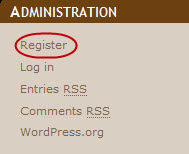
Step 2: Once you have received your Username and Password go to Community Cafe and click Login on the left hand sidebar under Administration.

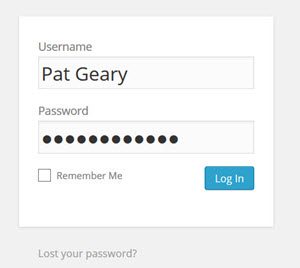
Step 3: Enter your username and password. Click the Log In button.
Step 4: At this point you have various options.
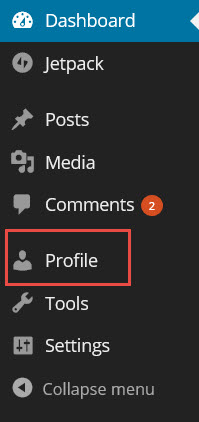
- Change your password. Click on “Profile†in the menu near the top left of the page.
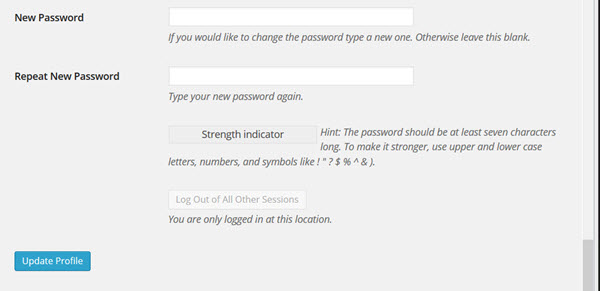
- On the next page, scroll to the bottom where is says “New Password†and make whatever changes you want to your profile. Click the “Update Profile†button when finished.
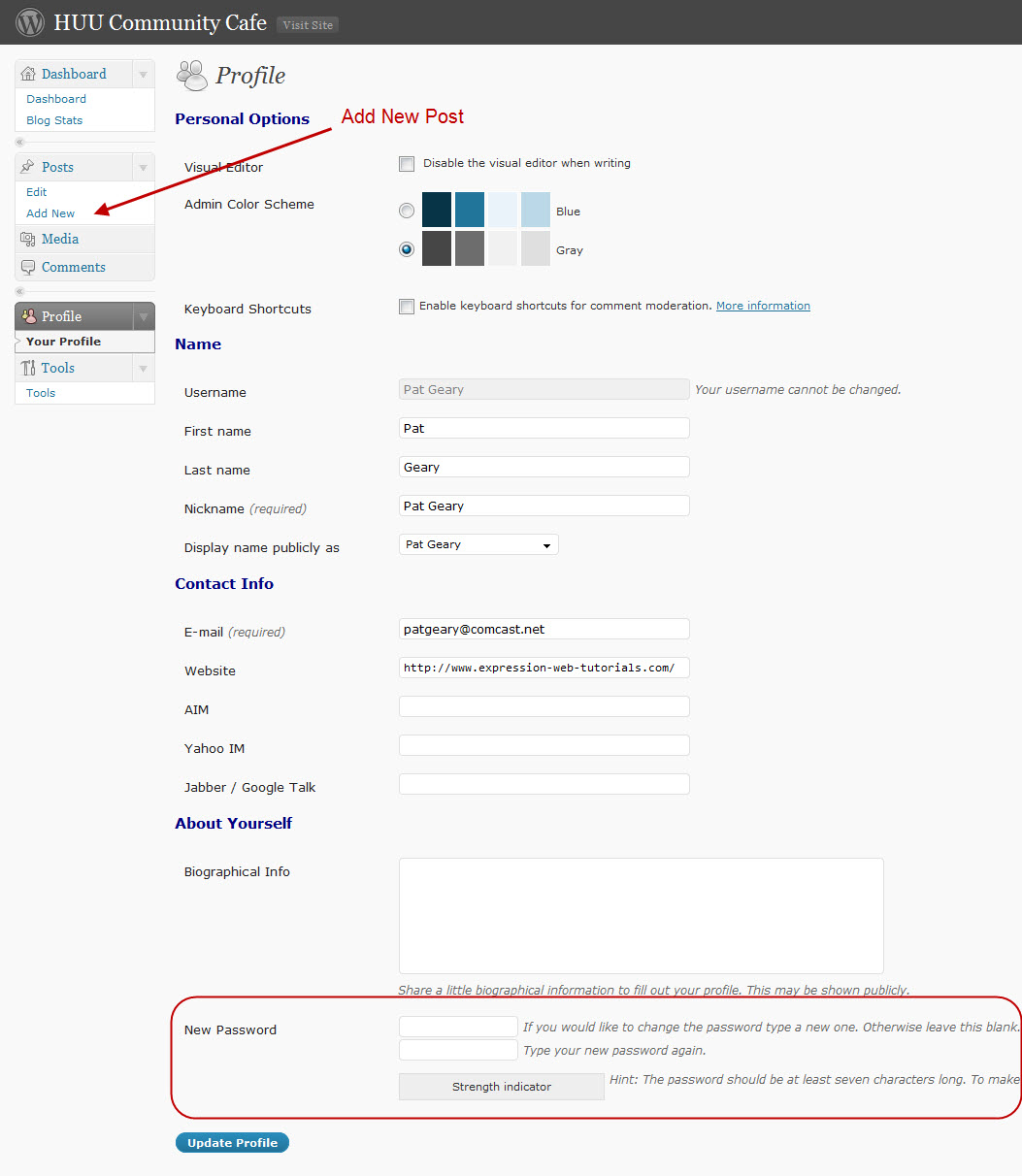
To write a post
- Make a new entry that will show in the blog. Click the ‘Posts‘ tab. Click the ‘Add New‘ sub-tab.
- Start filling in the blanks: enter your post title in the upper field, and enter your post body content in the main post editing box below it.
- Title or your headline and goes directly under the “Add New Post†graphic. Do NOT add any formatting to the title as it is done with the styles sheet.
- The larger window is where you put the text of your post.
- Categories (on the right) choose the Committee or the category you want to use.
- Click on Publish.
Those are the big three. You can use the other features to tweak your announcement. - Ta-dah! Your entry will now be live on the web for all to see! To do this click on “Posts†in the menu near the top left.
-  To edit an entry you have already made (e.g. you misspelled something). Click on “Edit†in the “POSTS†menu near the top left. Then click on the entry that needs editing.
- To delete an entry: this is very important to do once an event is over and the webmaster will heap blessings on you for remembering. Click on “Manage†in the menu near the top. Then click on the post that needs to be deleted. Scroll down and click on the “Delete this post†button.
- There are a number of other things you can do, but they are not as important and hopefully are self-explanatory. Feel free to explore and enjoy!
If you have any questions or problems, contact webmaster@HUUweb.org.